An app limit that rings, not a notice you swipe away
Most app limits end in a notice. You read it, tap Ignore, and keep scrolling. Superclock’s limit ends in an alarm.
It rings
When the minutes are up, Superclock rings the way it rings for anything else: through silent and through Focus, on the Lock Screen, until you stop it. That is what Apple’s AlarmKit is for, and it is the same alarm engine as the morning alarm.
Or it blocks
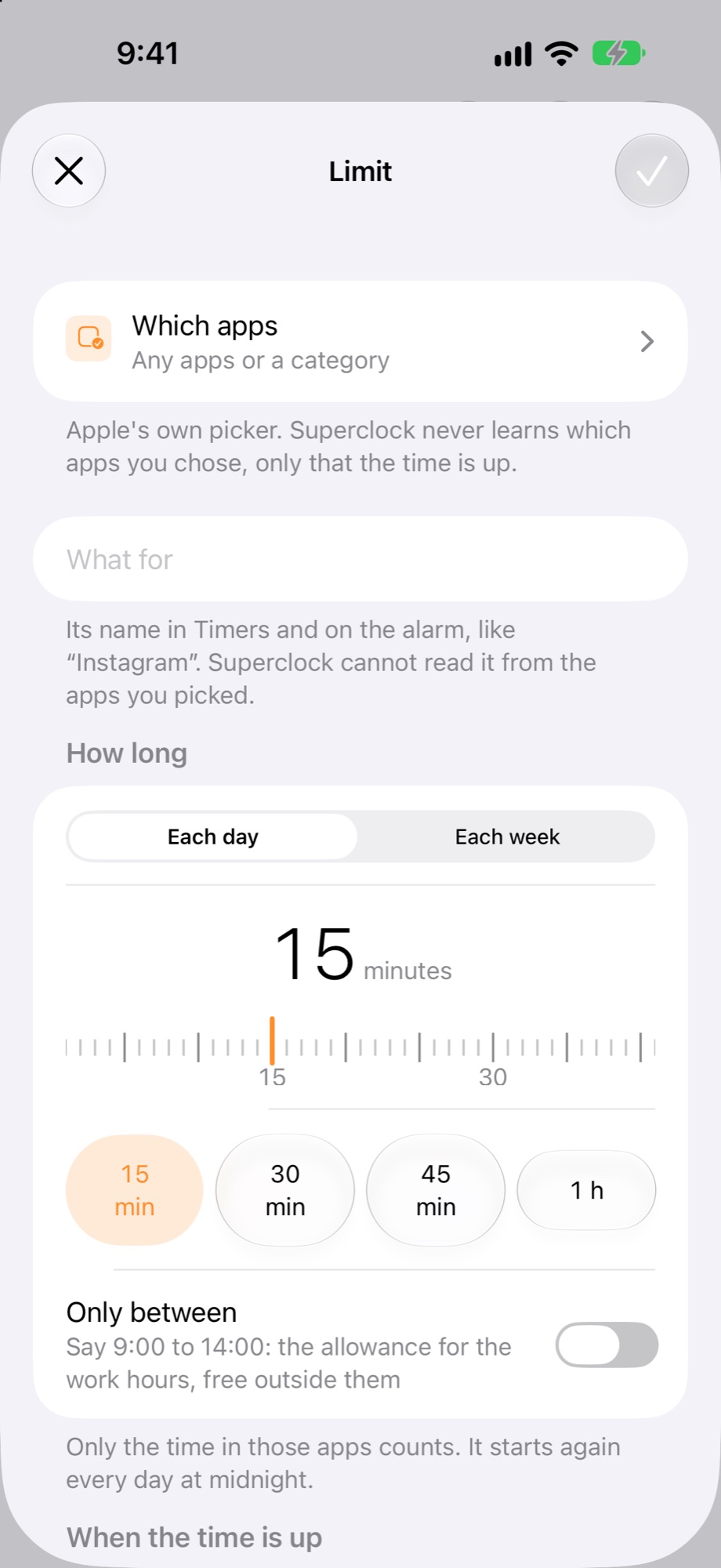
Choose “ring, then block” and the app closes until tomorrow after the ring. Choose “just block” and there is no sound: the app is covered, with Superclock’s words over it and when it opens again.
The same limit, three endings
- ring: like any alarm, through silent
- ring, then block: the app closes until tomorrow
- just block: no sound, the app is covered
Where it lives
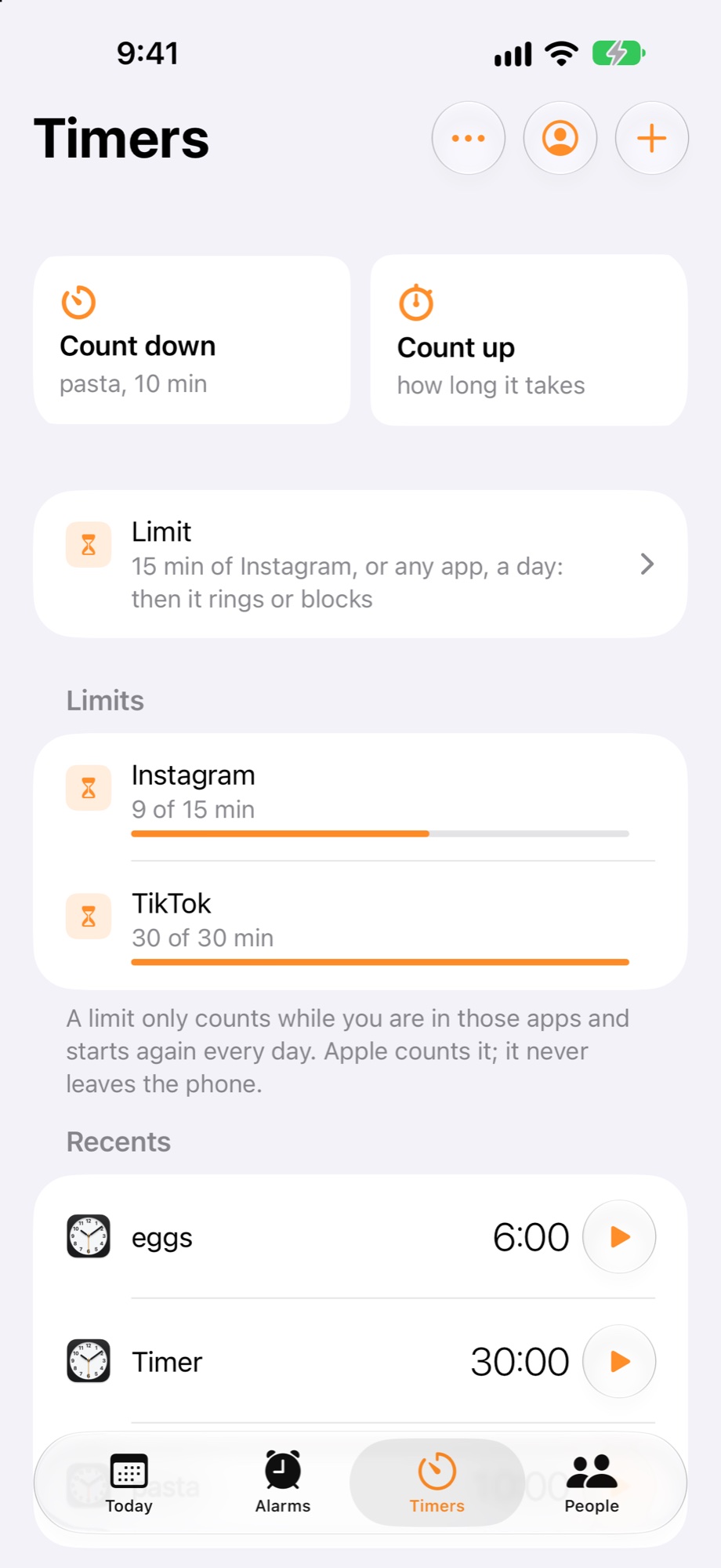
The limit is in Timers, beside Count down and Count up, because it is a timer on an app. Today and the Limits widget show the minutes used.