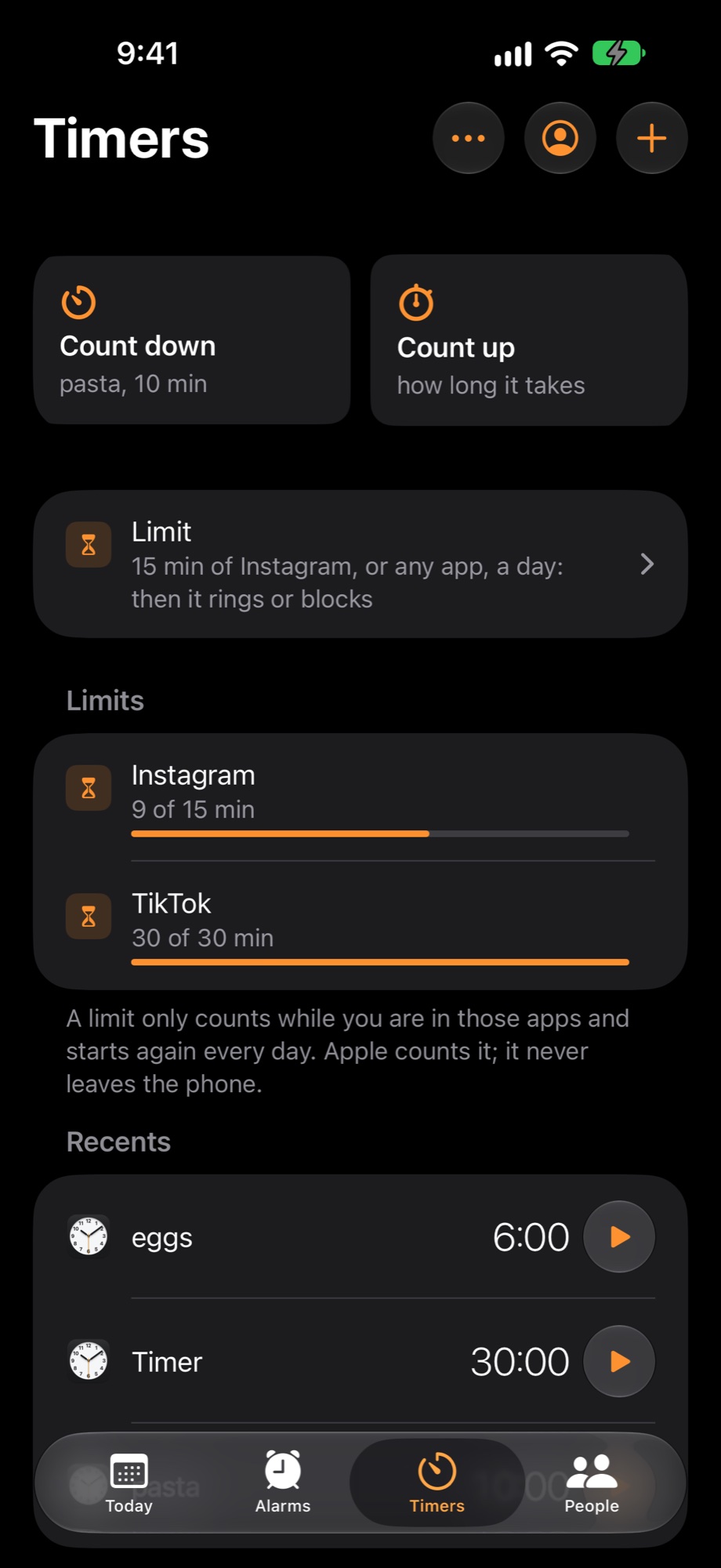
15 min of Instagram, or any app, a day: then it rings or blocks
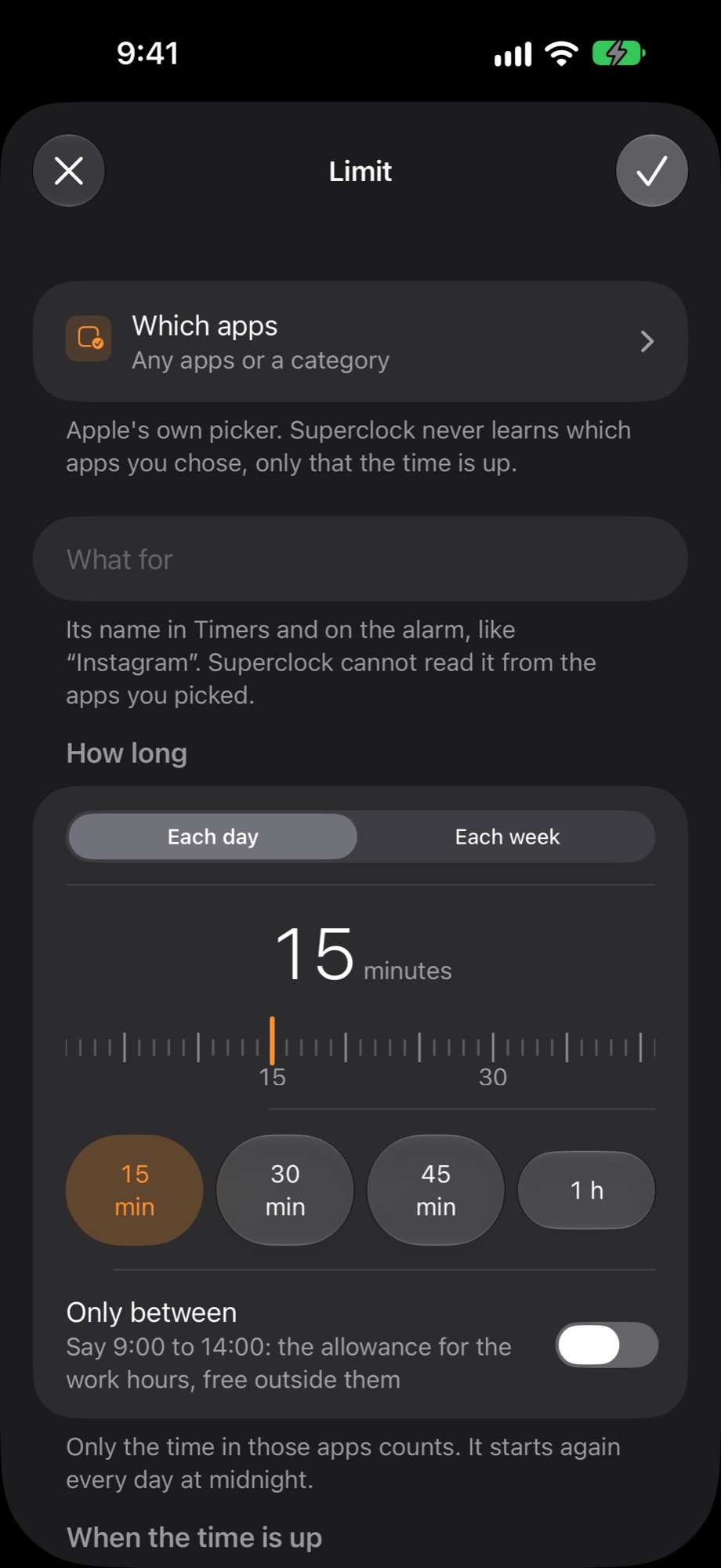
New in Timers: a limit. Pick any apps or a category, say how many minutes a day or a week, and when the time is up Superclock rings, rings and blocks the app until tomorrow, or just blocks it. Apple counts the minutes on your phone; Superclock never learns which apps you chose.
Which apps
- Any apps or a category
- Apple's own picker. Superclock never learns which apps you chose, only that the time is up.
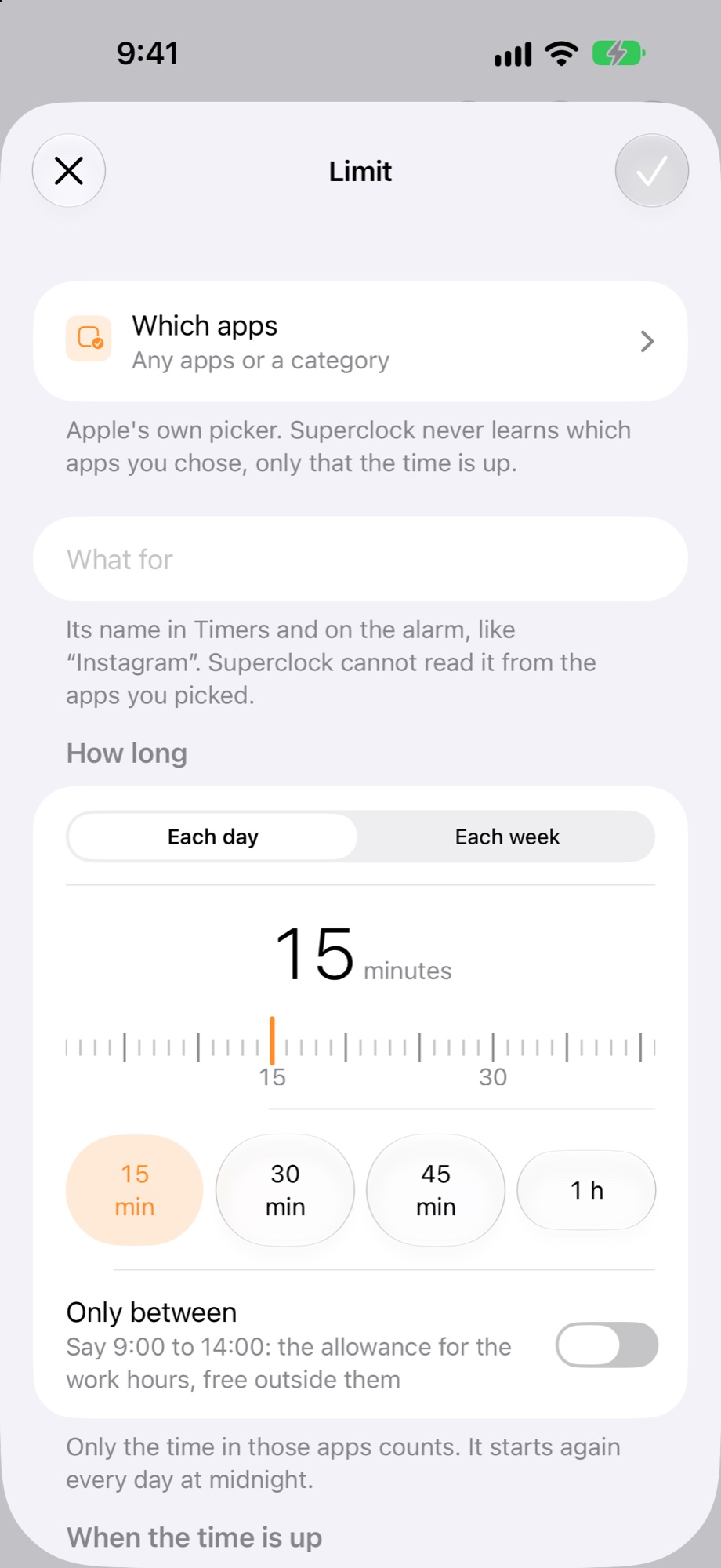
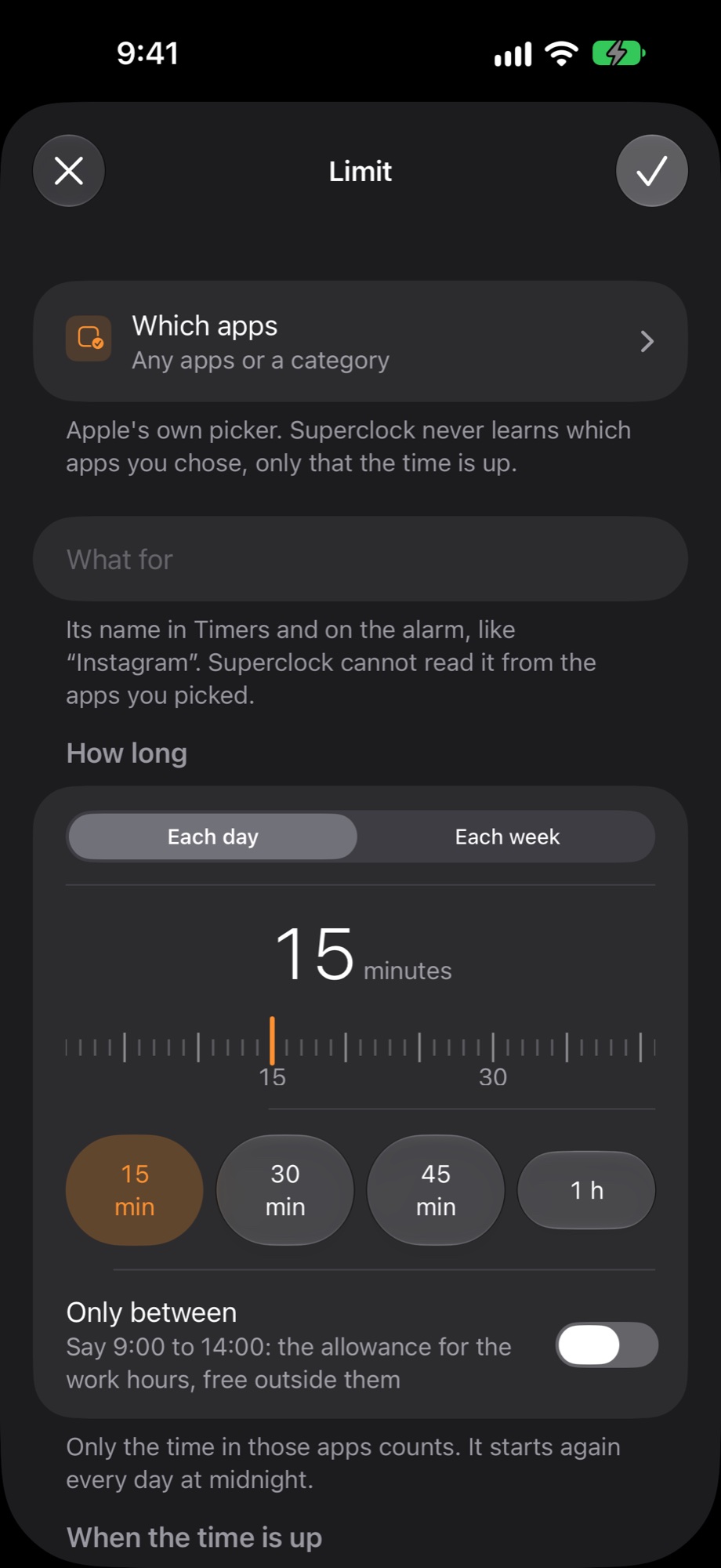
How long
- Each day · Each week
- Only between · Say 9:00 to 14:00: the allowance for the work hours, free outside them
- Only the time in those apps counts. It starts again every day at midnight.
When the time is up
- ring · like any alarm, through silent
- ring, then block · Instagram closes until tomorrow
- just block · no sound, the app is covered
- You set 15 min in Superclock. It opens again tomorrow at 00:00.
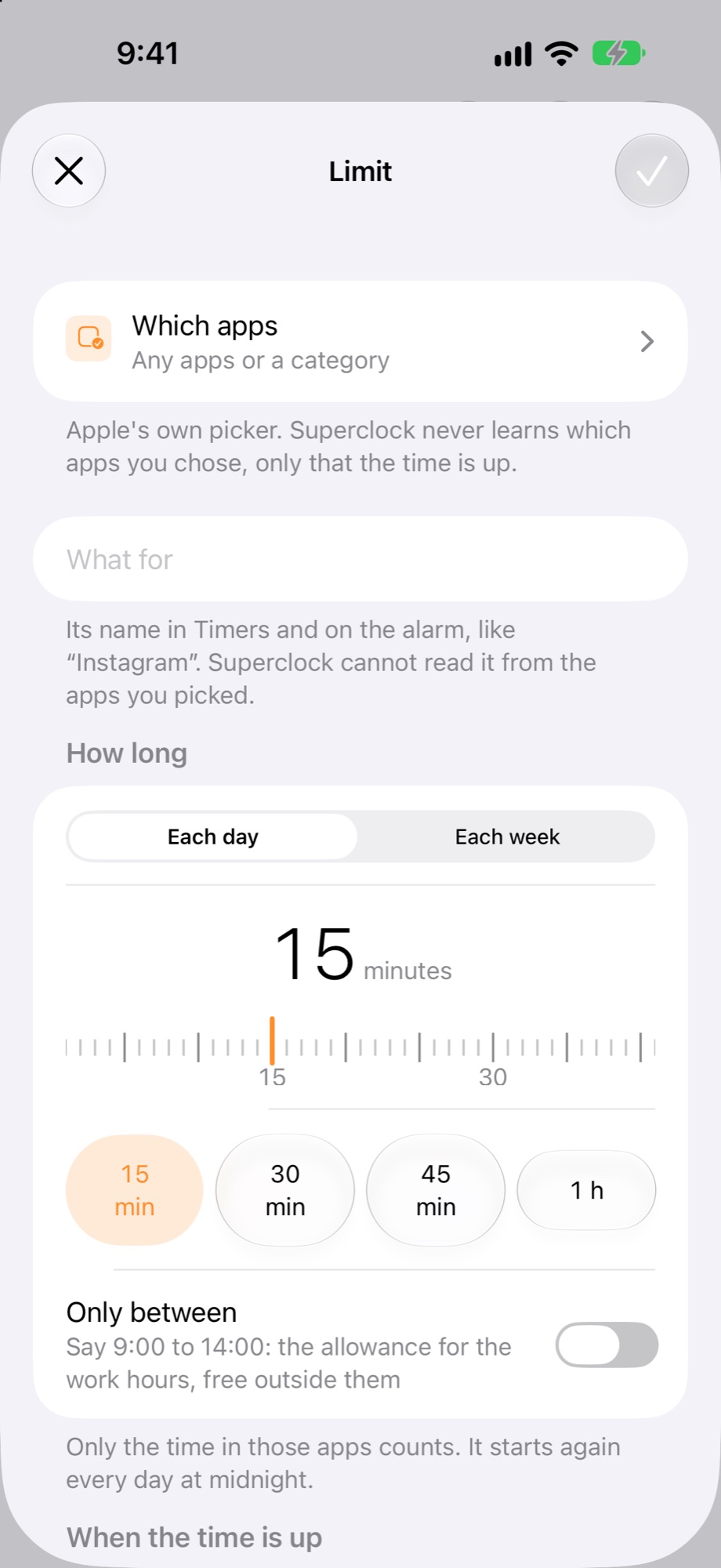
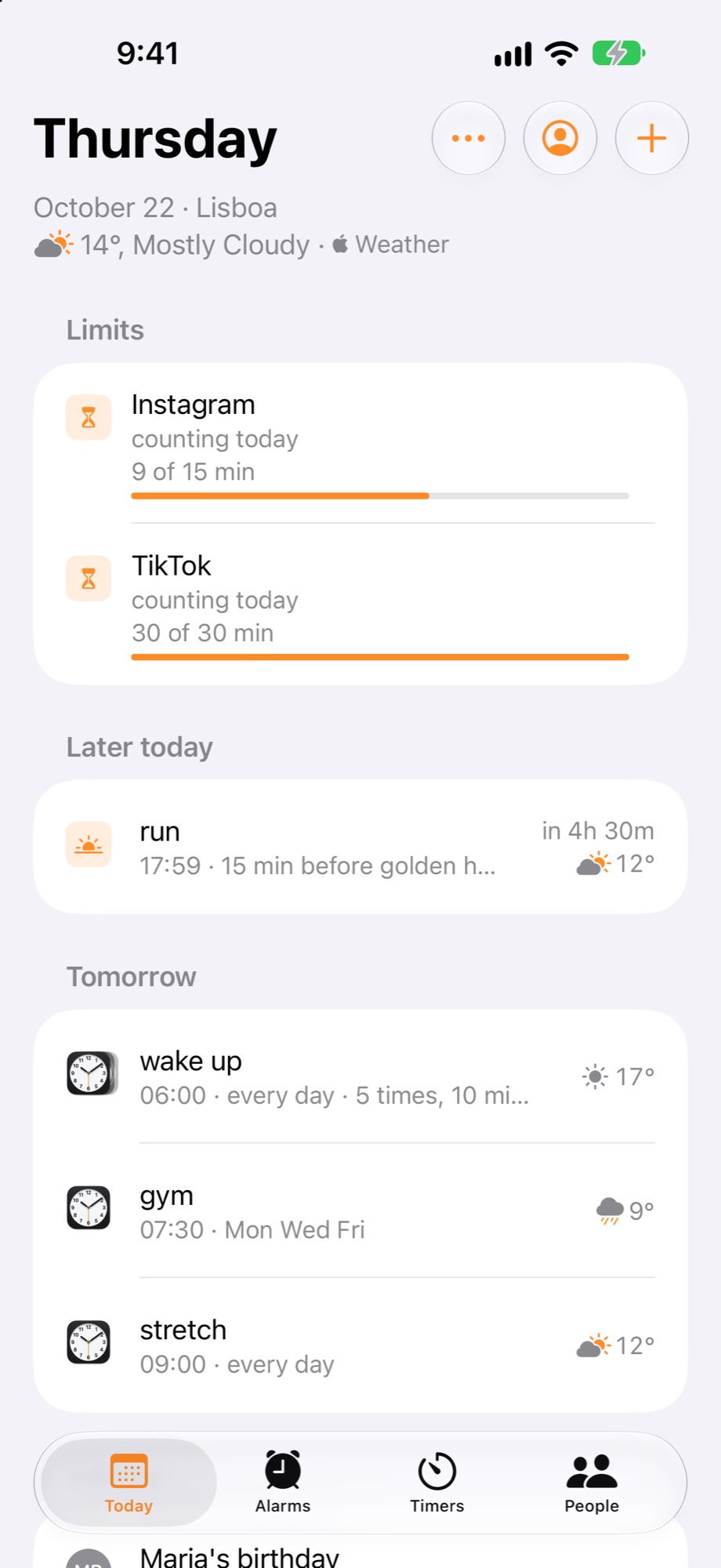
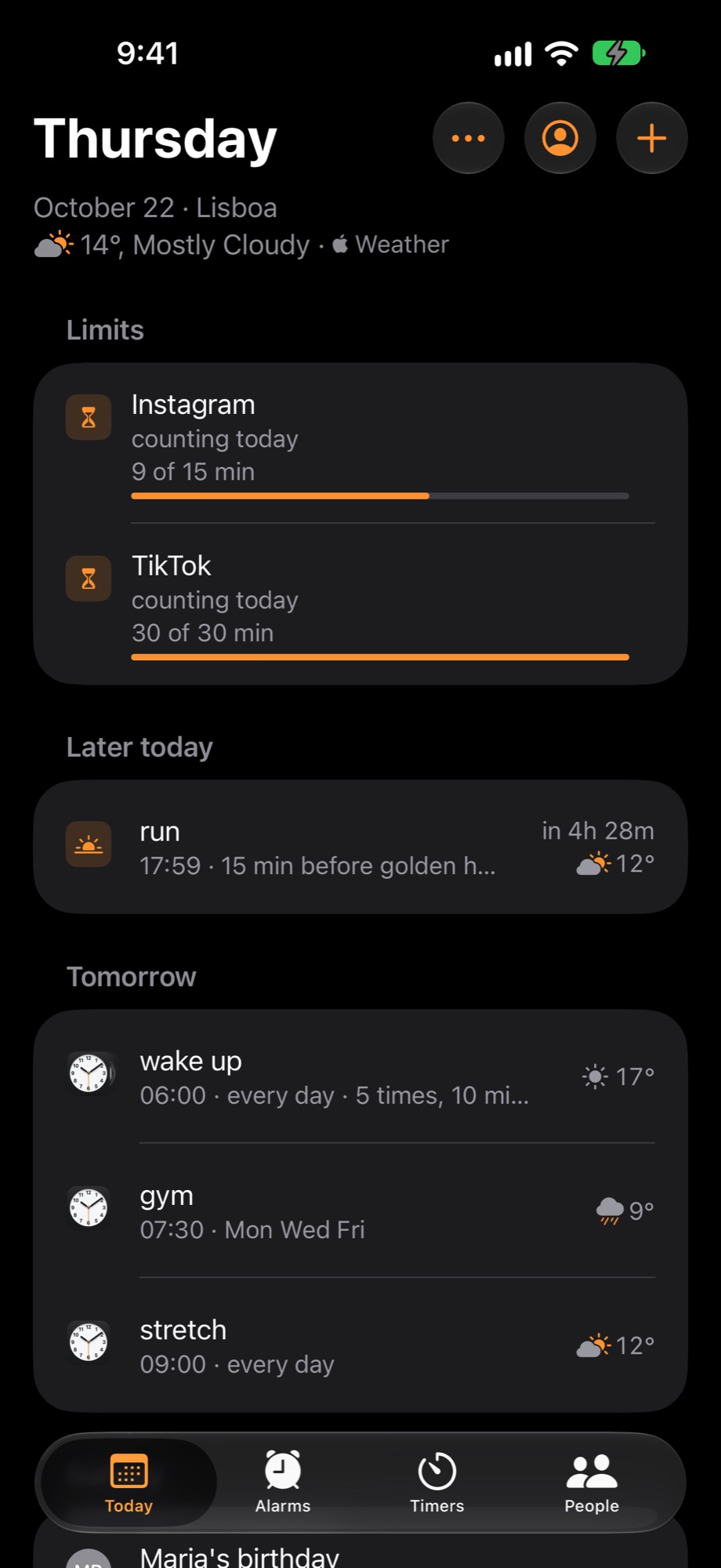
Today
- A Limits widget for the Home Screen, and your limits on Today.
- counting today · until tomorrow
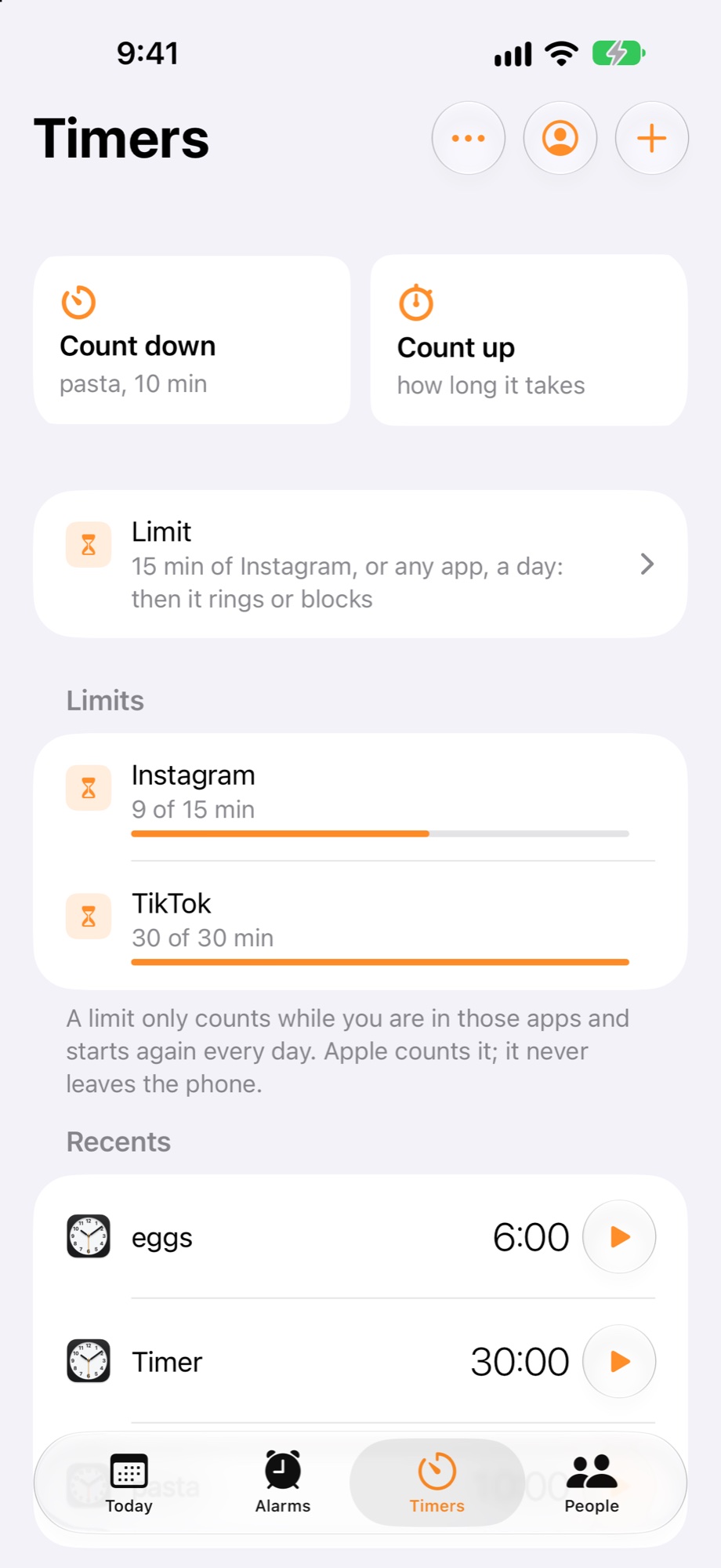
Timers
- A limit only counts while you are in those apps and starts again every day. Apple counts it; it never leaves the phone.
Superclock's limit and Apple's Screen Time limit
| Apple's App Limit | Superclock's limit | |
|---|---|---|
| When the time is up | a notice on the screen, with Ignore Limit: one more minute, 15 more, or the rest of the day | an alarm that rings through silent and Focus, like any alarm; or the app blocked until tomorrow |
| The allowance | a day, the same or set per weekday | each day, each week, or only between two times of the day |
| Who counts | Apple, on the phone | Apple, on the phone; Superclock never learns which apps you chose |
| Price | free | free, in the alarm app |
Guides
- Limit Instagram to 15 minutes a day on iPhone · a limit that rings, then blocks the app until tomorrow
- Block an app after 10 pm · Only between: the allowance for the evening, free in the day
- One budget a week for games · Each week: two hours, spent however you like
- An app limit that rings, not a notice you swipe away · why a limit in an alarm app
- Apple's Screen Time limit and Superclock's, side by side · what each does when the time is up
- How the minutes are counted, and why Superclock never sees your apps · Apple's picker, Apple's count, nothing leaves the phone