Apple's Screen Time limit and Superclock's, side by side
Both use the same count. Apple counts the minutes on the phone, for its own App Limits and for Superclock’s limit alike. The difference is what happens when the time is up, and the shape of the allowance.
When the time is up
Apple’s App Limit shows a notice on the screen, “Time Limit”, with Ignore Limit: one more minute, 15 more minutes, or the rest of the day.
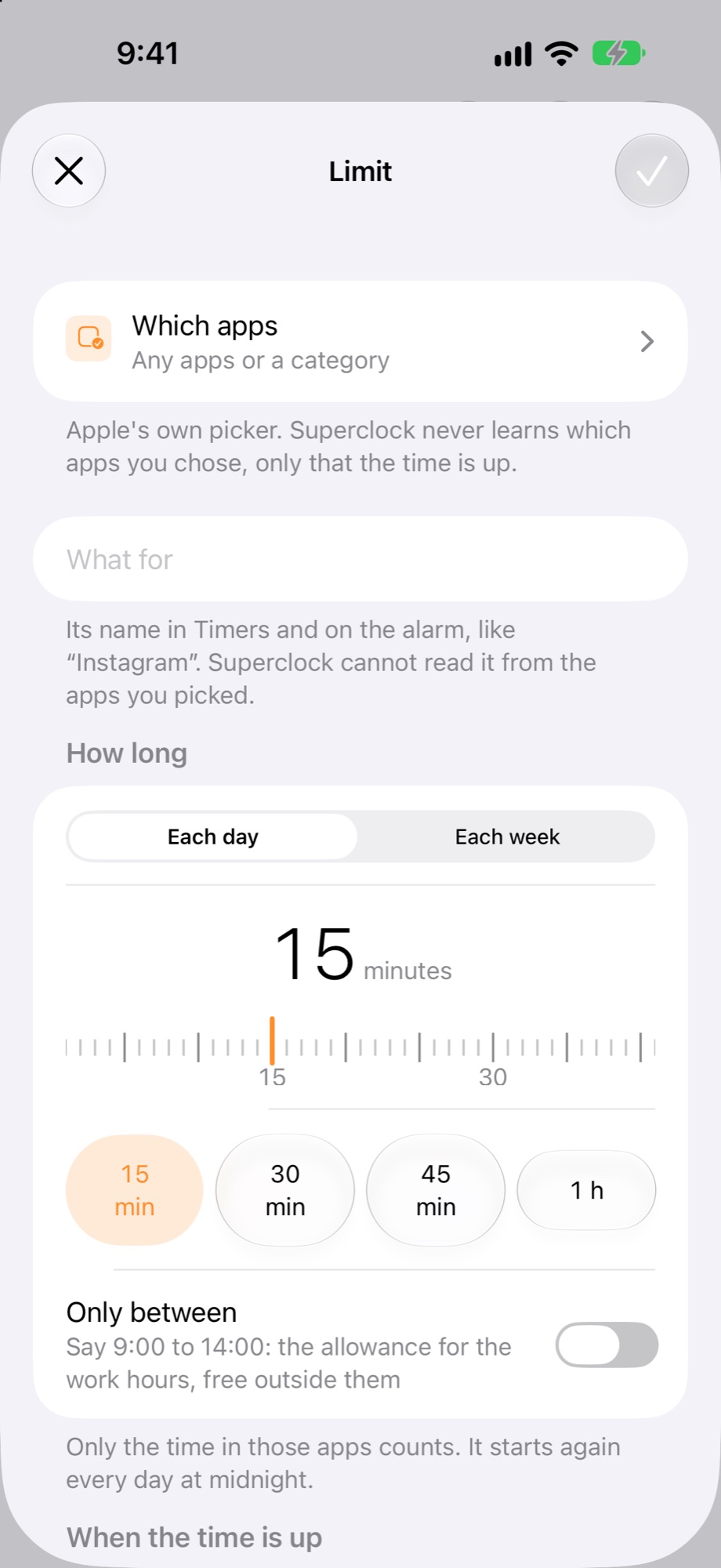
Superclock’s limit rings, through silent and Focus, like any alarm. Or it blocks the app until tomorrow, with or without the ring.
The allowance
Apple’s limit is a day, the same amount or a different one per weekday.
Superclock’s limit is each day, each week, or only between two times of the day: the allowance for the work hours, free outside them, or the other way round for the evening.
Who sees what
Apple’s Screen Time report in Settings shows everything.
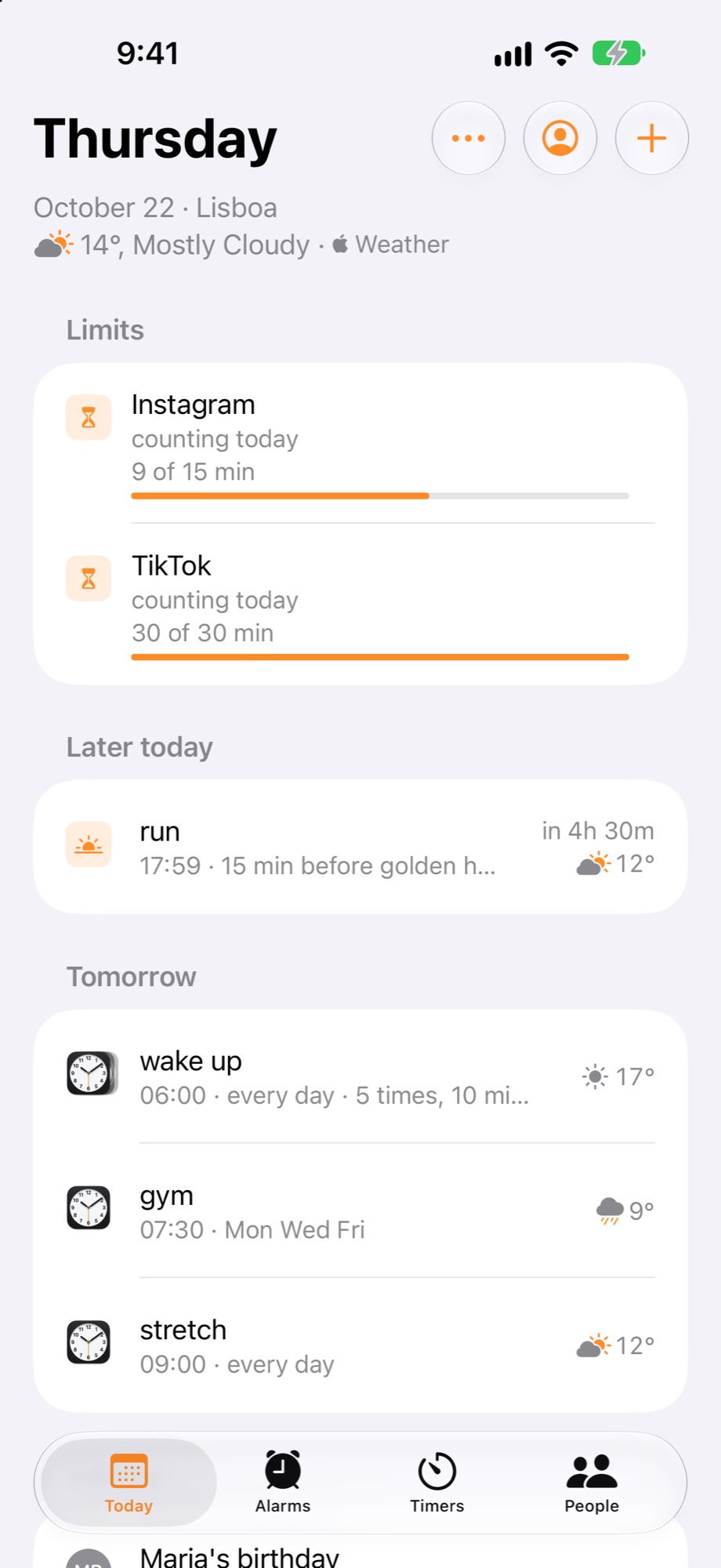
Superclock shows the limits you made, with the minutes used, on Today, in Timers and in the Limits widget. Superclock never learns which apps you picked, only that the time is up.
Price
Both are free. Superclock’s limit comes with the alarm app, with no subscription.