Block an app after 10 pm
A limit can count only between two times. Outside them the app is free and nothing counts.
The evening
In Timers, tap Limit and pick the app. Set How long to the minutes you allow in the evening, say 10 minutes, and turn on Only between. Set the window to 22:00 and 07:00.
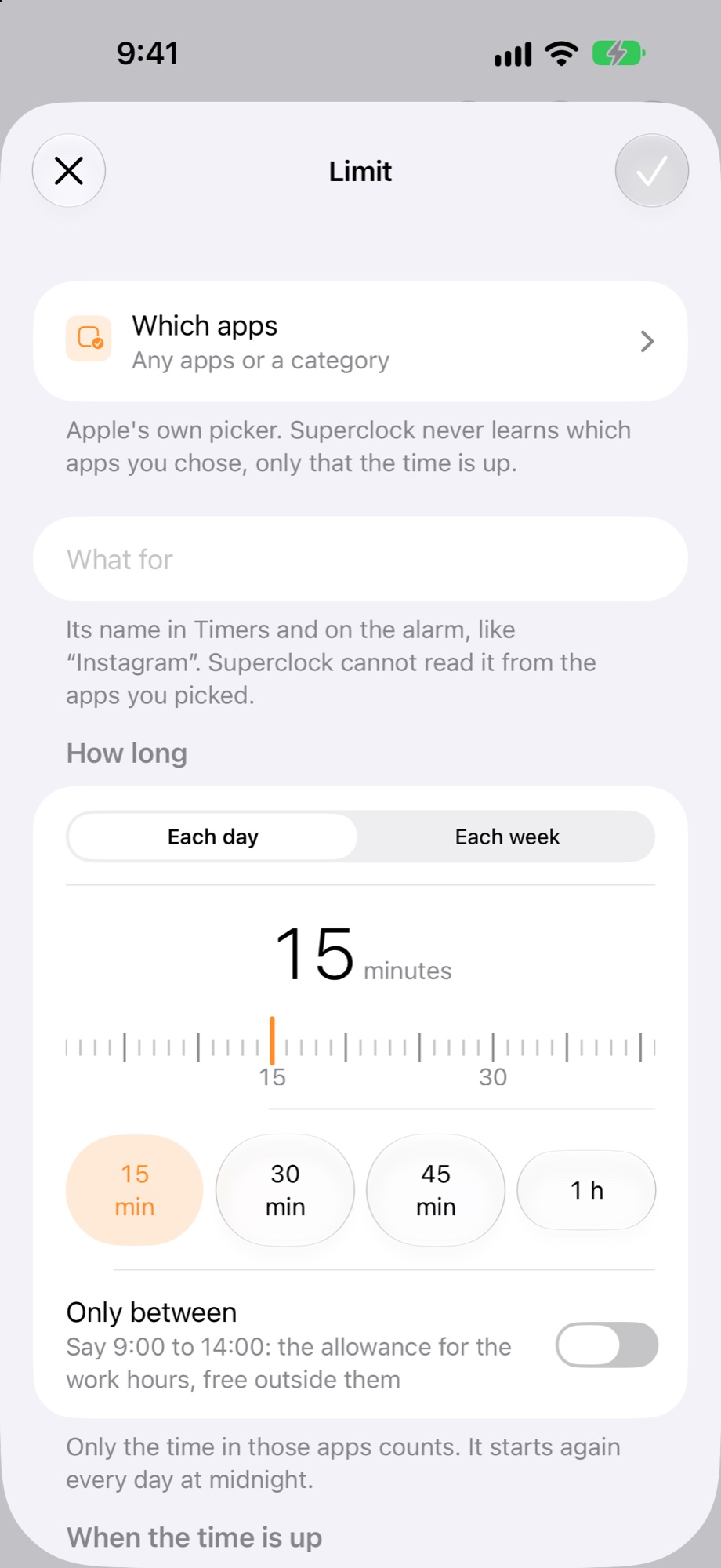
Choose “just block” when the time is up if you want no sound at night: the app is covered, no alarm. Or “ring, then block” if you want to hear it once.
What happens
From 22:00, the first 10 minutes in the app count. When they are used, the app closes until tomorrow. At 07:00 the window ends and the app is free again until 22:00.
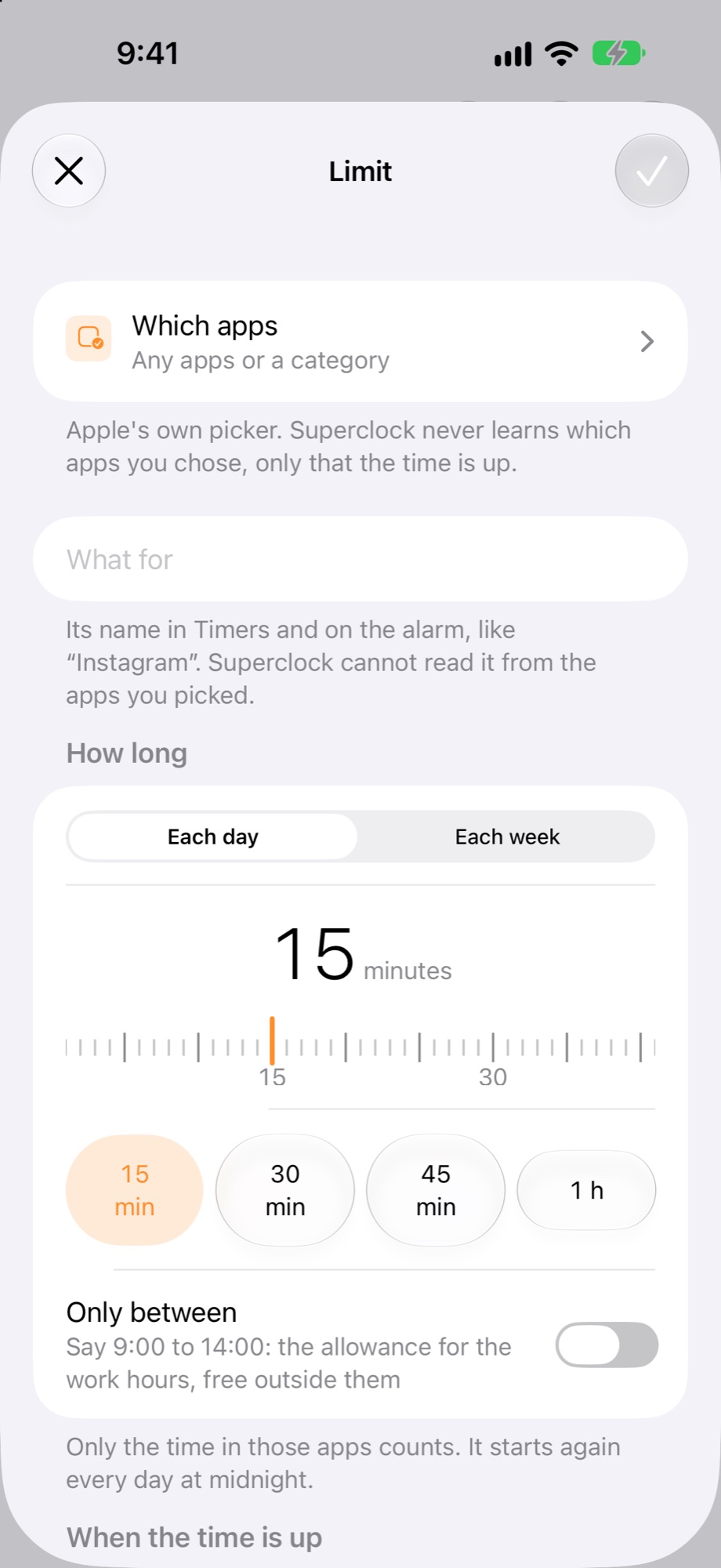
The sheet’s note says it: “Say 9:00 to 14:00: the allowance for the work hours, free outside them.” The same works the other way round, for the evening.